
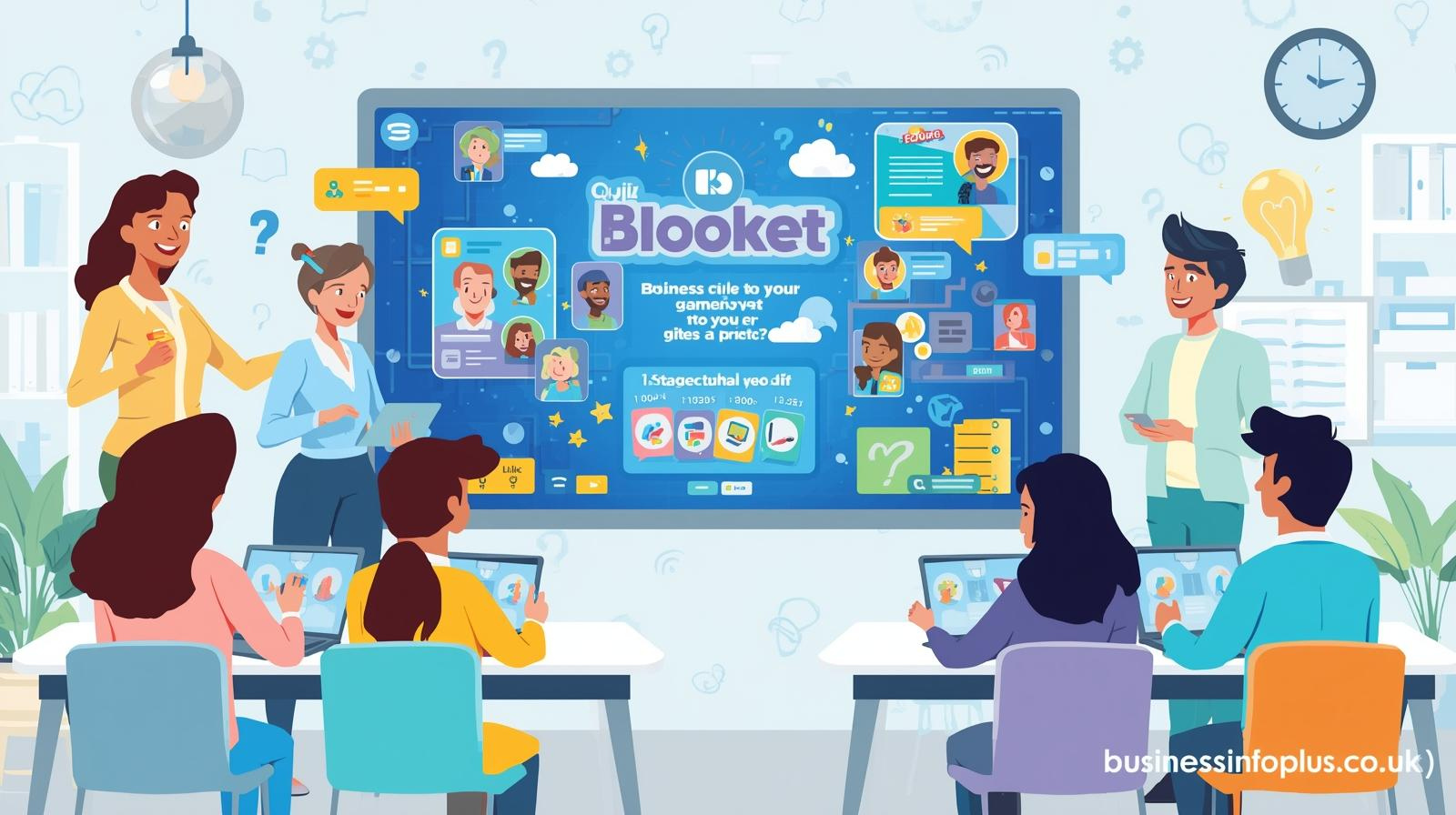
The term Blooket host game has become increasingly popular among teachers, students, tutors, and even corporate trainers who want to make quizzes more engaging. Blooket is an online educational platform that blends traditional question-and-answer formats with interactive game mechanics. Instead of simply answering questions on paper or in a static digital form, participants join a live game session hosted by a teacher or organizer and compete in dynamic, themed challenges. This combination of gamification and learning has helped Blooket stand out in the crowded world of educational technology tools.
When someone searches for how to host a Blooket game, they are usually looking for a step-by-step understanding of the platform, its features, and how to maximize engagement. Hosting a game means launching a live quiz session using a question set, selecting a game mode, adjusting settings, and sharing a unique game code with players. The host controls the experience from start to finish, making it ideal for classrooms, remote learning environments, homeschooling, training workshops, and even friendly trivia competitions.
Understanding How a Blooket Host Game Works
At its core, a Blooket host game begins with a question set. A question set can be created by the host or selected from the millions of public sets available in the Blooket library. These sets typically include multiple-choice questions, but they can also contain images to make learning more interactive. Once a set is selected, the host clicks the “Host” button, chooses a game mode, customizes settings, and launches the session. A unique game code is then generated, allowing players to join through the Blooket join page.
Players do not need an account to participate in most live games, which makes access simple and convenient. They can join using a smartphone, tablet, Chromebook, or desktop computer. This accessibility is one of the reasons Blooket has gained popularity in schools with diverse technology setups. The host monitors the game through a dashboard that shows participants joining, their selected avatars known as “Blooks,” and real-time progress throughout the session.
Creating and Customizing Question Sets
The success of any Blooket host game heavily depends on the quality of the question set. Hosts can create custom sets tailored to specific topics, lessons, or events. For teachers, this means aligning questions with curriculum standards in subjects such as math, science, English, history, and geography. For trainers or event organizers, it means designing quizzes relevant to workplace skills, team building, or entertainment themes.
When creating a question set, the host enters each question along with multiple answer options and marks the correct one. Images can be added to make questions more engaging, especially for younger learners or visual topics. Clear wording, balanced difficulty, and logical progression are essential for keeping participants interested. Testing the question set before hosting ensures that there are no errors or confusing phrasing that could disrupt the game flow.
Choosing the Right Game Mode for Engagement
One of the most exciting aspects of hosting a Blooket game is selecting a game mode. Each mode transforms the quiz into a different style of gameplay. Some modes focus on speed and accuracy, while others introduce strategy, chance, or resource management. For example, certain modes reward players with virtual currency or in-game advantages when they answer correctly, adding an extra layer of excitement beyond simple scoring.
Choosing the right game mode depends on the goal of the session. If the aim is quick revision before a test, a fast-paced mode works well. If the goal is deeper engagement over a longer period, strategy-based modes can keep participants invested. Understanding your audience is key. Younger students may prefer colorful, energetic modes, while older learners may appreciate more strategic formats that require planning and decision-making.
Step-by-Step Process to Host a Blooket Game
Hosting a Blooket game begins with logging into your account and navigating to your dashboard. After selecting a question set, you click “Host,” which opens the game mode selection screen. Once you choose a mode, you customize settings such as time limits, number of questions, randomization options, and whether players can join late. These settings allow you to control the pace and structure of the game.
After clicking “Host Now,” the system generates a game code and often a QR code. Participants visit the Blooket join page and enter the code to access the game lobby. As players join, their names and avatars appear on the host’s screen. When everyone is ready, the host starts the game. Throughout the session, the host can monitor performance, pause if needed, and guide participants. At the end, results and performance summaries are Blooket Host Game displayed, offering insights into accuracy and participation levels.
Benefits of Hosting Blooket Games in Education
Using a Blooket host game in the classroom can significantly increase student engagement. Traditional quizzes often feel repetitive, but adding gamification elements encourages active participation. Students become more motivated to answer correctly because their performance directly affects their in-game progress. This competitive but friendly environment often leads to improved focus and retention of information.Blooket Host Game
Another major benefit is formative assessment. Teachers can quickly identify which topics students understand and which require further explanation. The data provided after each session allows educators to adjust lesson plans based on real performance insights. This aligns with modern teaching strategies that emphasize data-driven instruction and personalized learning.
Using Blooket Host Game for Remote and Hybrid Learning
Blooket is particularly effective in remote and hybrid learning environments. Since players can join from anywhere using an internet connection, it provides an interactive alternative to passive online lectures. Teachers can share their screen during a virtual class, display the game code, and allow students to participate in real time. Blooket Host Game This makes online sessions more dynamic and less monotonous.
In hybrid classrooms, where some students are physically present and others join remotely, Blooket levels the playing field. Everyone participates through their device, ensuring equal involvement. The host maintains control and can address technical issues as they arise, keeping the session smooth and organized.
Strategies to Maximize Engagement and Learning Outcomes
To make a Blooket host game truly successful, preparation and communication are essential. Begin by clearly explaining the rules and objectives Blooket Host Game before launching the game. Let participants know how scoring works and what behavior is expected. Setting the tone early ensures a focused and positive environment.
During the game, maintain enthusiasm and provide encouragement. Highlight progress and celebrate achievements, not just top scores. After the session, review challenging questions and discuss why certain answers were correct. This reflection transforms the game from pure entertainment into a powerful learning tool. Regularly updating question sets Blooket Host Game and experimenting with different game modes keeps content fresh and prevents repetition.
Common Challenges and How to Handle Them
Although Blooket is user-friendly, occasional challenges can occur. Internet connectivity issues are among the most common problems. Ensuring a stable network before starting the session minimizes disruptions. It is also helpful to test the platform briefly before students or participants join.
Another challenge can be managing inappropriate Blooket Host Game player names or distractions. Hosts can use built-in settings to randomize names or remove participants if necessary. Staying attentive to the host dashboard allows quick responses to technical or behavioral issues. With experience, most hosts become comfortable handling these small obstacles efficiently.
Long-Term Impact of Hosting Blooket Games
Over time, regularly hosting Blooket games can create a culture of interactive learning. Students often look forward to quiz days because they associate them with fun and competition. This positive association can reduce anxiety around assessments and encourage consistent participation.
Beyond academics, hosting games builds soft skills such Blooket Host Game as teamwork, strategic thinking, and digital literacy. Participants learn to think quickly, adapt to game mechanics, and collaborate in certain modes. For educators and trainers, mastering the Blooket host game process enhances their ability to deliver engaging, modern instruction that meets the expectations of today’s digital learners.
Read More:Why Use Uhoebeans Software in Business Growth
Conclusion:
Hosting a Blooket game is more than just launching a quiz; it is about creating an interactive learning experience that motivates and engages participants. By choosing the right question sets, selecting suitable game modes, and using performance data wisely, hosts can transform ordinary lessons into exciting, results-driven sessions. With proper planning and thoughtful execution, Blooket becomes a powerful tool for boosting participation, reinforcing knowledge, and Blooket Host Gamemaking learning enjoyable for everyone involved.

Leave a Reply